
 book a call with us
Tired of the backend acting as a clunky third-party entity between you and automated travel tasks? When blockchain technology transformed the booming travel industry, it aimed to eliminate intermediaries. However, slow backends bring you to square one. Picture this: a user hits ‘Book’ on your decentralized application (dApp) expecting lightning-fast processing. However, it falls flat. Why? Because the booking and […]
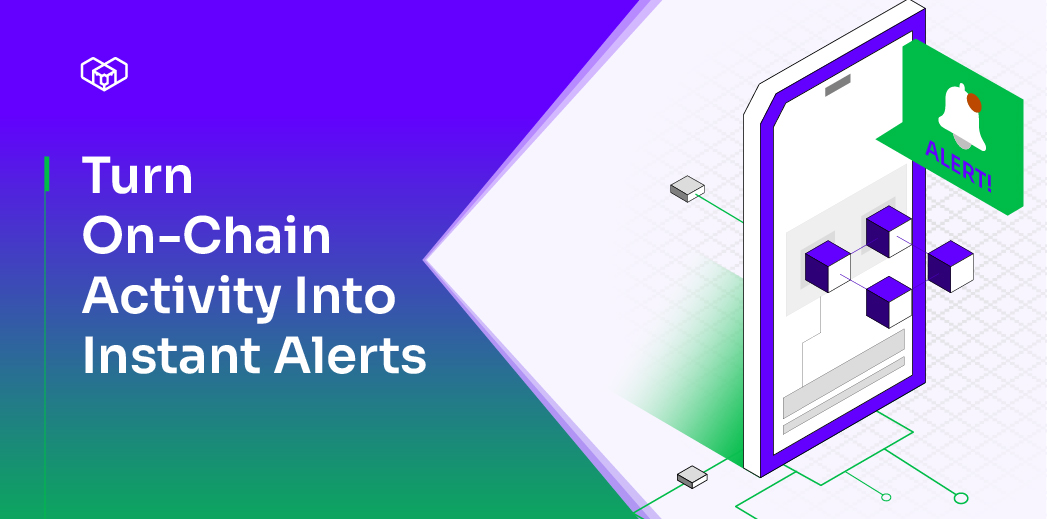
Read MoreYou can track on-chain events all day, yet the one update that matters still slips by unnoticed. Logs get messy, updates lag, and custom scripts break at the worst times.
Developers may also struggle with unreliable RPC endpoints, rate limits, inconsistent indexing, and maintaining cron jobs or listeners that silently fail. And the more chains or contracts you monitor, the harder it gets to keep everything synced.
Instead of dealing with all that noise, tools like Kwala help you stay updated without constant monitoring.
It automates event detection and sends real-time alerts directly to Telegram. This blog is a step-by-step guide to help you set up these real-time, on-chain notifications using Kwala.
Steps to enable On-Chain notifications on Telegram
In 2025, over 6.1 million smart contracts will be deployed each month, making real-time monitoring more important than ever. If you want to catch your contract events the moment they happen, then here’s your playbook.
Step 1: Set up a Telegram bot
Use Telegram’s BotFather to generate a Telegram crypto bot and obtain a bot token. Enter the “/newbot” command to get your dedicated bot token. Copy the bot token and chat ID for your Telegram channel, as this will be used later for on-chain transaction alerts Telegram integration.
Step 2: Deploy or use a smart contract that emits events
To receive on-chain notifications, you first need a smart contract that emits events. Here’s what you’ve to do:
- Write a simple contract on the Polygon network
- Use Remix IDE and select the Solidity compiler version
- Connect MetaMask and switch to Polygon Testnet, and then deploy the contract using your wallet.
- After the deployment, validate the smart contract by calling smart contract function from Remix.
Step 3: Build a workflow in Kwala
Now you need to connect the smart contract to your Telegram bot using Kwala, the first-ever blockchain workflow engine for Web3 automation.
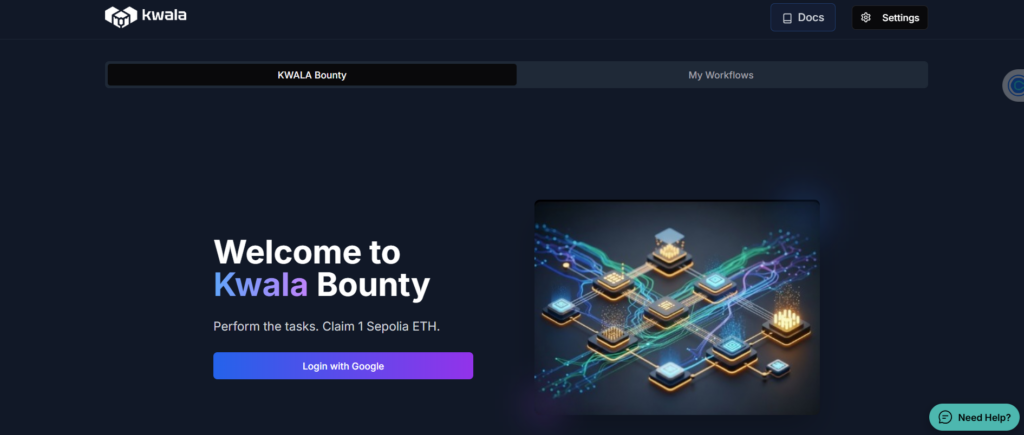
Open kwala website and connect your metamask wallet. Approve the connection request in your MetaMask wallet to link it with the KWALA network. Then click on “Create Workflow” and follow these steps:
- Start by naming your workflow like “Telegram_Notifier.”
- Set the execution settings. Select “Event” to ensure your workflow triggers immediately as soon as the event occurs on-chain.
Set the execution settings. Select “Event” to ensure your workflow triggers immediately as soon as the event occurs on-chain.
- Provide Smart Contract address and select Polygon testnet.
Kwala auto detects the ABI for verified contracts and fetches event details. Optionally, you can provide source code for the Smart contract and configure Trigger Event details.
Step 4: Insert Telegram messaging action
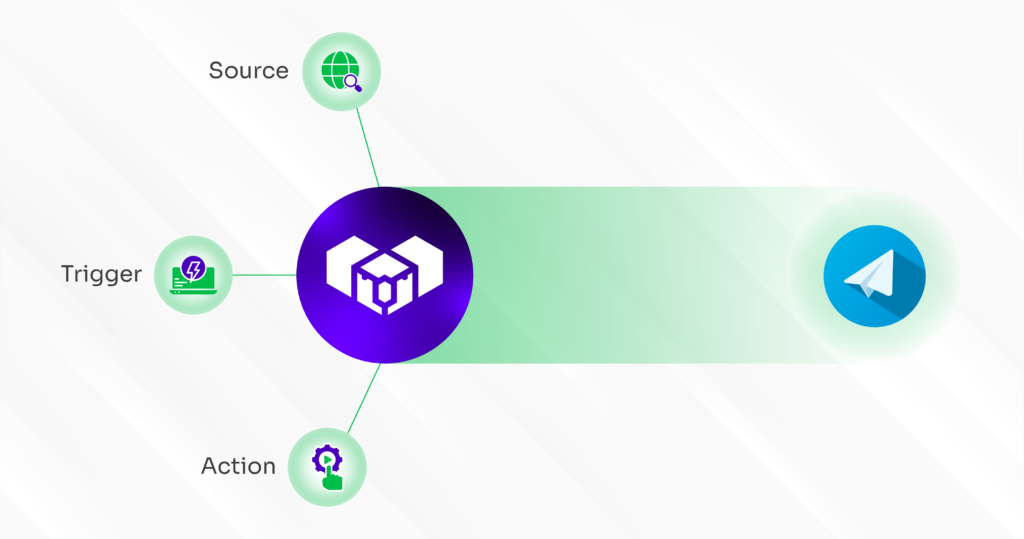
Now we’ll connect Kwala network to Telegram in the following ways:
- In your existing workflow, such as “Telegram_Notifier”, click on “Add Action.”
- Choose the option to make an HTTP POST request.
- Use Telegram’s sendMessage API in your POST request URL.
- Replace <YOUR_BOT_TOKEN> with the token you received from BotFather when you created your Telegram bot.
- In the URL parameters, include your group or channel’s chat ID and the message content you want Telegram to display.
- Format the message payload to include parameters from event details using regex, like re.event(0).
For example, the telegram message could be: ‘Kwala detected on-chain event <Event Name>. Value increased to re.event(0)’
Step 5: Setting additional workflow parameters
The next step is to fine-tune the execution settings of your workflow. For this, you need to:
- Add recurring source configuration, such as recurring source contract, chain ID, and event name.
- Upload the ABI (Application Binary Interface) of your recurring source contract.
- Once your source is configured, click on “Action” to define what should happen when an event is triggered.
- Enter details like action name, type (select POST API CALL), API Endpoint (paste the Telegram sendMessage API URL, including your bot token and chat ID). You can apply a similar logic to rebalance your wallet automatically.
- Fill in the API Payload by copying and pasting your chat ID and the text field.
Step 6: Execute the configuration
Once all your sources and actions are configured, it’s time to execute and deploy your workflow.
- Under Execution Mode, choose “Sequential,” so that actions run one after another.
- Click “Create Workflow.” You’ll now see the Workflow Editor, where Kwala lets you view or edit your configuration using YAML format.
- Cross-check all details inside the YAML editor and then click “Save” to confirm your setup.
- Verify workflow by clicking “Compile” and then “Deploy”.
This is a reliable alternative to traditional crypto signal bot Telegram tools, which often fail during periods of high activity.
Step 7: Activating the workflow
Now that your workflow is deployed, it’s time to activate it:
- Go to your Kwala network dashboard and toggle the workflow to active mode.
- Call the smart contract function from remix and initiate a transaction.
- Within seconds, you’ll get a Telegram alert.
Once active, your setup works like blockchain event alerts in Telegram.
Stay in the loop, not in the lag
Launching a smart contract is just the beginning; the real challenge is staying in sync with it. Missed events, manual tracking, and delayed responses can break the rhythm of your decentralised app (dApp)- slowing down everything from user experience to operational decisions.
That’s why real-time, low-friction event tracking is becoming essential infrastructure for modern dApps.
If you’d rather not maintain listeners or debug failing jobs, platforms like Kwala help translate those on-chain signals into instant Telegram pings that keep you synced effortlessly.
Frequently asked questions
How do I create a crypto price alert bot on Telegram for notifications?
Firstly, you’ve to create a new bot using Telegram’s BotFather and obtain a Bot token. This token connects your script or automation tool to Telegram’s API, allowing you to send real-time price alerts.
Do I need to run my own server for blockchain monitoring on Telegram?
No, platforms like Kwala handle on-chain event listening, polling, and notification delivery. As a result, alerts can be sent directly to Telegram without the need to set-up your own server.
Can I customise which blockchain events trigger Telegram notifications?
Yes, these platforms allow complete control over event filters. You can choose specific contract events, token transfers, or threshold-based conditions to ensure Telegram only sends alerts for particular on-chain activities.