
 book a call with us
Ever had an event fire on Ethereum and your workflow on another chain just… didn’t? A listener breaks, an RPC lags, a backend script stops silently; suddenly your entire workflow is out of sync. Cross-chain automation is powerful, but it’s fragile when built on custom servers, indexers, and polling engines. Source Kwala removes that fragility. As a decentralized automation fabric […]
Read MoreUser onboarding in Web3 often looks simple on the surface: connect a wallet, sign a transaction, get access. However, behind the scenes, it usually involves stitching together smart contracts, listeners, backend services, and notification systems.
That complexity slows teams down and introduces room for failure at the very first user touchpoint.
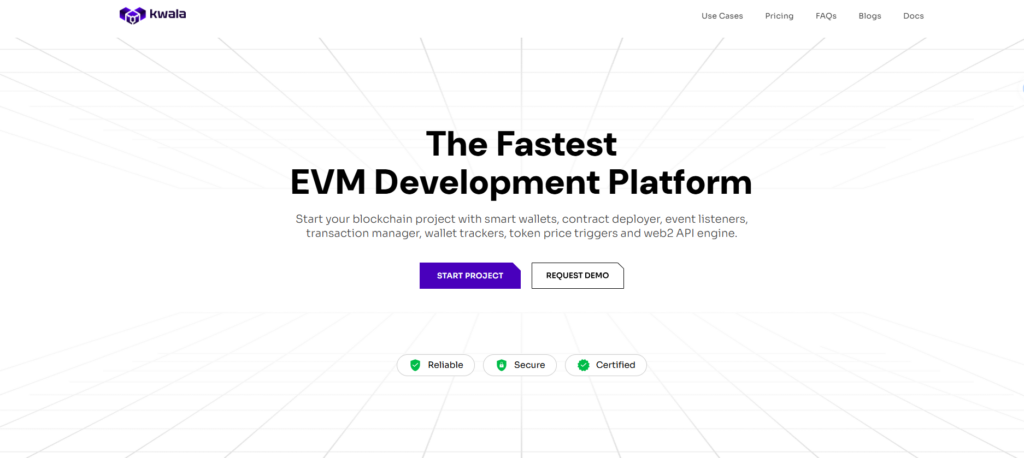
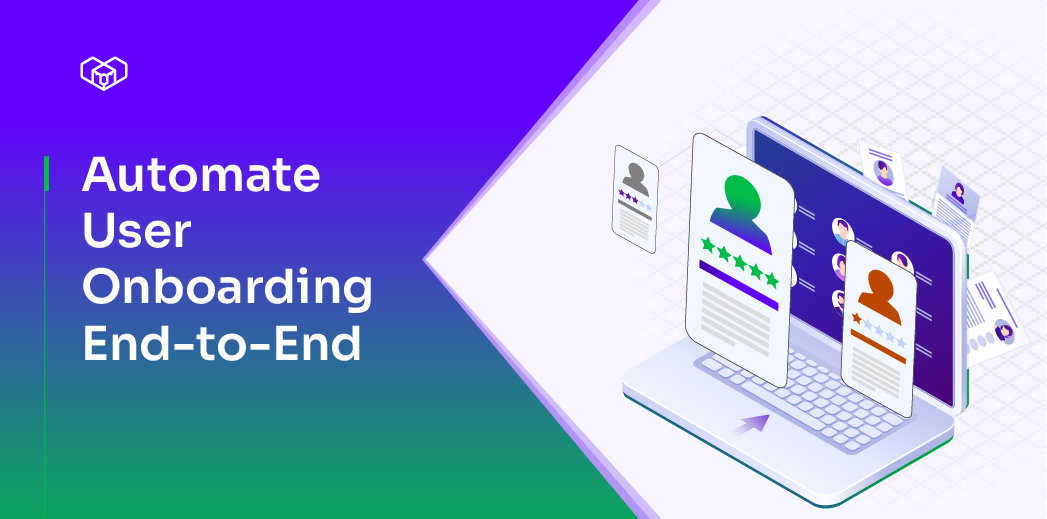
This is where automating user onboarding becomes more than a convenience; it becomes a necessity. With Kwala, onboarding logic can be fully automated using on-chain events, without writing backend code or maintaining infrastructure. What you build is not just a flow, but a living onboarding system that reacts the moment blockchain data changes.
In this guide, we’ll walk through a practical, step-by-step user onboarding automation process using Kwala, powered by smart contracts and event monitoring.
Why automating Web3 user onboarding matters
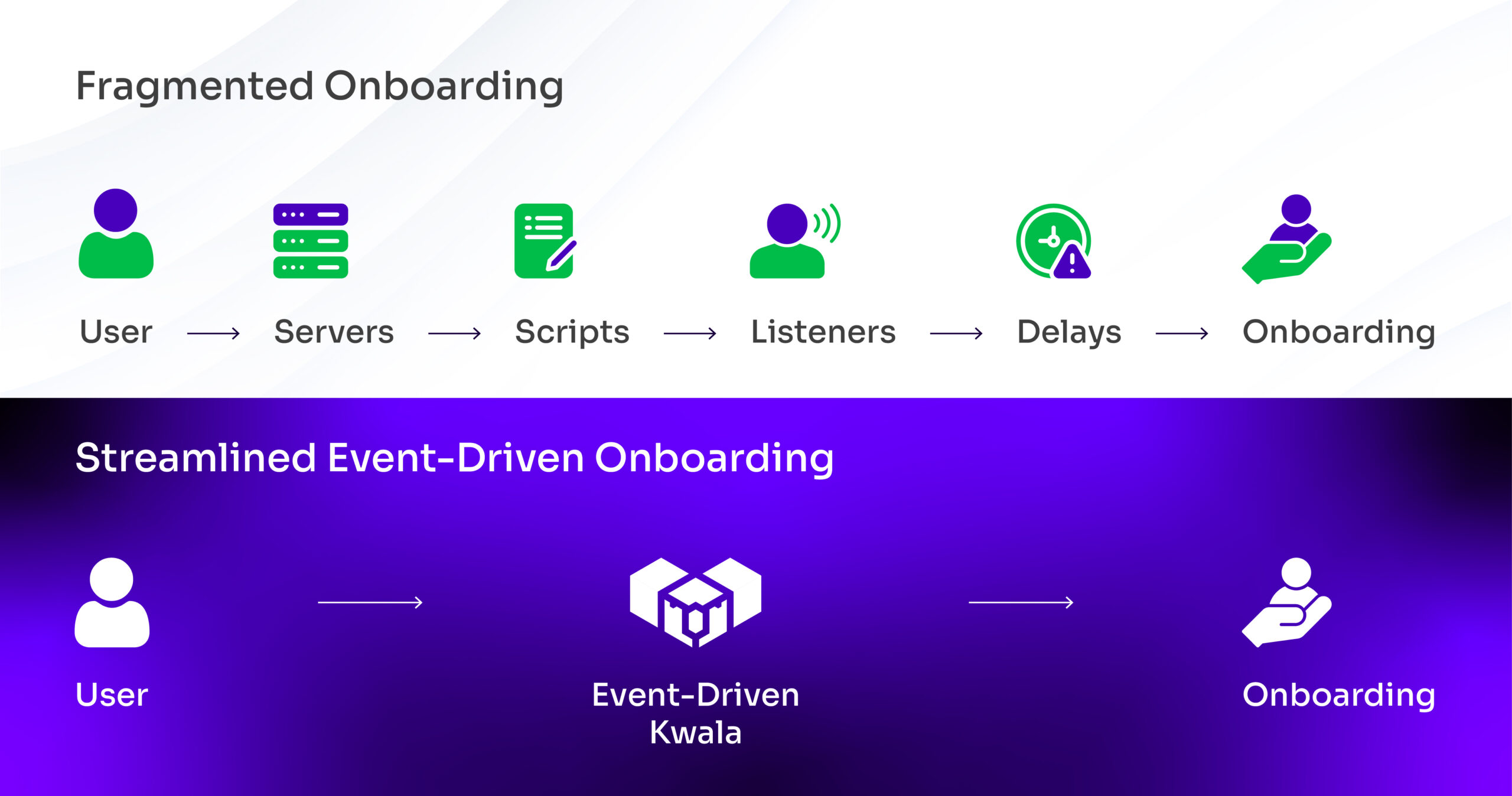
In Web3 applications, onboarding is often tied directly to smart contract interactions: such as, user registration, wallet verification, or data submission. Handling these manually or through custom servers introduces delays and inconsistencies.
A well-designed blockchain user onboarding workflow ensures that:
- Every new user action is detected instantly on-chain
- No backend servers are required to listen for events
- Onboarding actions execute automatically and reliably
Kwala’s core strength lies in monitoring on-chain events across supported networks. Once a contract emits an event, Kwala detects it in real time and triggers the next onboarding step.
Step-by-step: automating user onboarding with Kwala
The following steps show how a single on-chain registration event can trigger a complete user onboarding flow using Kwala.
Step 1: Open Kwala and connect your wallet
Start by visiting the official Kwala website → click Start Building.
You’ll be prompted to connect your MetaMask wallet. Once connected, you’ll land inside your workspace, where existing workflows (if any) are visible.
This workspace is where all onboarding logic will be created and managed.
Step 2: Create a new workflow
To open the workflow editor:
- Click New Workflow to begin setting up your onboarding automation.
- Next, select the Workflow Builder to configure the flow visually.
Give your workflow a clear and identifiable name, such as New User Onboarding, then proceed to the next step.
Step 3: Define when the workflow should execute
In the execution settings, you will find:
- Execute After: This determines when the workflow runs for the first time.
- User onboarding: select Event. Provide Smart Contract, chain, and ABI details – so the workflow is ready to listen as soon as it is activated.
- Repeat Every: Instead of running on a schedule, select Event. This ensures the workflow executes only when a specific on-chain event occurs: such as a user registering through your front-end.
Step 4: Set workflow expiry
Kwala allows you to define an expiry time for the workflow. This controls how long the workflow remains active. You can set a specific date and time and choose the appropriate timezone based on your region.
Step 5: Configure the triggering smart contract
Now, define the source of the onboarding trigger.
- Enter the smart contract address that handles user registration
- Select the chain ID where the contract is deployed (for example, Polygon)
Kwala automatically detects the ABI for verified contracts and fetches the relevant event details. For unverified contracts, you can optionally provide the source code to configure trigger events.
From the list of events, select the registration event emitted when a new user signs up. This event becomes the trigger that starts the onboarding workflow.
Step 6: Add the onboarding action
With the trigger configured, move to the Actions section and click Add Action.
For this onboarding flow:
- Choose a notification action (for example, POST {API Call})
- Give the action a clear name, such as Telegram Welcome Message
Enter the API endpoint for the notification service. It’s recommended to test this endpoint beforehand to confirm it’s working correctly.
Step 7: Configure the notification payload
The notification payload includes:
- A chat ID, which uniquely identifies the user
- A message body, which can be customized
In this flow, the chat ID is captured from the front-end during registration and passed through the smart contract event. This allows the welcome message to be sent automatically to the correct user.
The message content can be edited freely without changing the workflow logic.
Step 8: Compile and deploy the workflow
Before activation, compile the workflow to validate the configuration.
Once compiled:
- Ensure MetaMask is connected to the Kwala network
- Click Deploy and confirm the transaction
After deployment, the workflow status will change to Claimed, indicating that a node in the Kwala network has taken responsibility for execution.
Step 9: Activate the workflow
After the workflow is claimed, click Activate and confirm the transaction.
Once activated, Kwala begins monitoring the blockchain in real time for the selected registration event.
Step 10: Test the onboarding flow in real time
To test the setup:
- Open your front-end application
- Connect MetaMask
- Enter user details (such as name and Telegram chat ID)
- Click Sign Up and confirm the transaction
The transaction is recorded on-chain, and the registration event is emitted.
Extending the workflow beyond basics
This same pattern can power more advanced onboarding scenarios:
- Low-code user onboarding automation for rapid prototyping
- Web3 user onboarding workflow tied to NFTs or roles
- DAO user onboarding automation based on membership actions
- Token gated onboarding automation using ownership checks
Since Kwala treats events as first-class triggers, onboarding logic stays flexible without growing fragile.
How Kwala simplifies onboarding automation
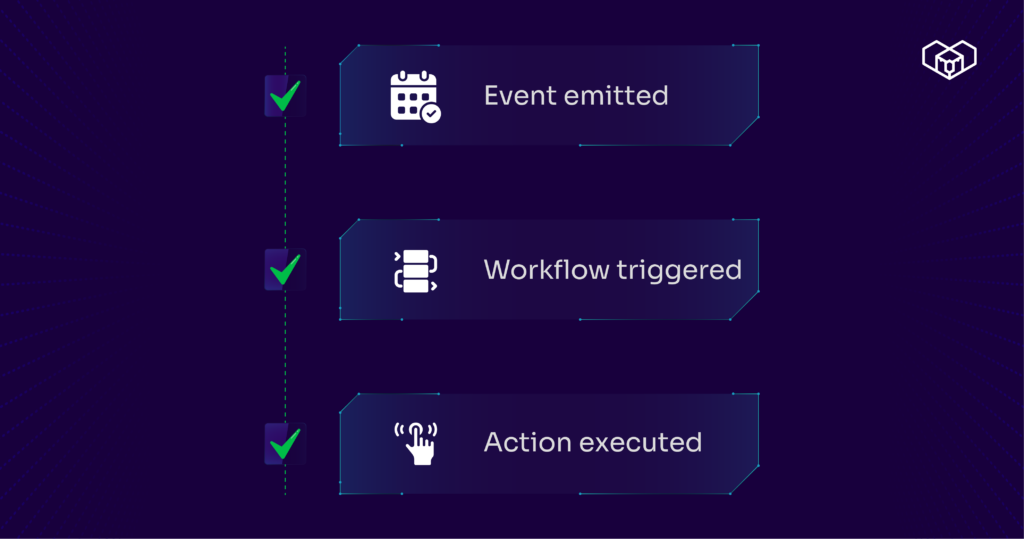
Event emitted
Workflow triggered
Action executed)
Traditional onboarding requires developers to manage servers, APIs, and listeners. With Kwala Web3 automation, the workflow itself becomes the backend.
Key advantages include:
- Continuous on-chain monitoring without infrastructure
- Declarative workflows instead of custom code
- Seamless smart contract and API integration
By relying on Kwala smart contract automation, teams can focus on user experience while Kwala handles execution, monitoring, and reliability behind the scenes.
Bringing user onboarding fully on-chain
Automated onboarding is often the first impression users have of a Web3 product. With Kwala, that experience becomes instant, reliable, and fully on-chain driven.
By combining real-time event monitoring with workflow-based execution, Kwala enables teams to build onboarding systems that scale naturally: without backend overhead or operational complexity.
FAQS on user onboarding automation
Can this onboarding workflow work across different blockchains?
Yes, while the onboarding trigger listens on a specific chain, the resulting actions can interact with contracts or systems on other supported chains within the same workflow.
How does Kwala handle security and private keys during onboarding automation?
Kwala never accesses or stores private keys. All transactions are authorized through the user’s wallet, and workflow execution is handled by the network without exposing sensitive credentials or user data.
Is smart contract modification required to automate onboarding?
No, Kwala works with existing contracts by listening to emitted events. This allows teams to automate onboarding without redeploying or rewriting contract logic.