
 book a call with us
DeFi should feel exciting, not exhausting. But most teams end up running a mini power plant just to keep their protocol alive. You chase node issues. You fix broken listeners. You rebuild the same backend clutter every time you add a chain. It drains energy and slows everything you want to ship. Kwala steps in as a backend service […]
Read MoreA poorly timed crypto transaction failure can throw your operations off balance. The “insufficient gas” message affects both everyday transfers and important contract executions.
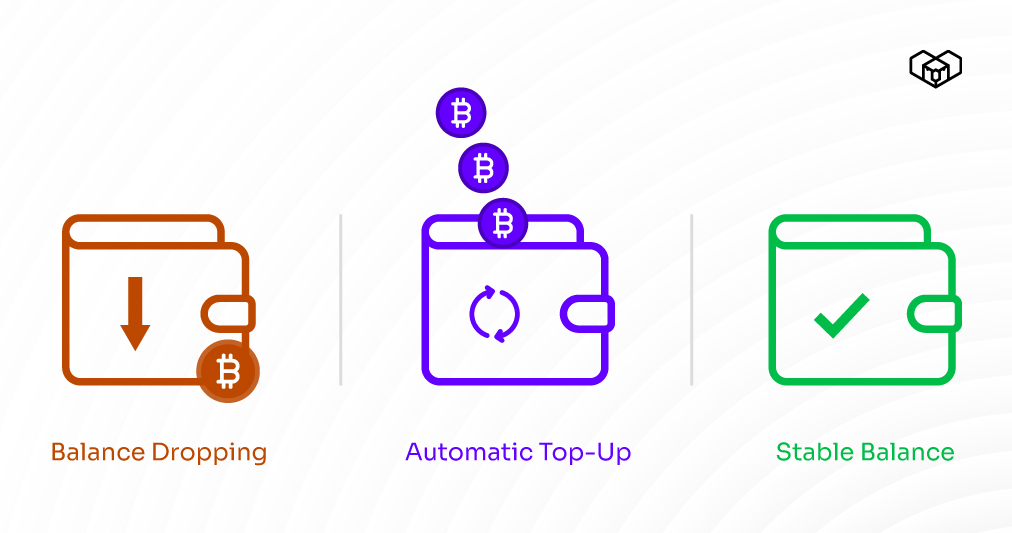
Self-custody wallets don’t warn you when funds run low, and rebalancing often happens only after something breaks. A single missed top-up can stall automations, delay payments, freeze dApp workflows, or stop relayers mid-task.
Kwala makes this easier through no-code rebalancing workflows that top up your wallet as soon as conditions are met. With its automatic wallet rebalancing workflows, your operations continue smoothly, replenishing balances exactly when needed: without manual checks or emergency fixes.
In this blog, we’ll learn how to set it all up.
Steps to set-up automated cryptocurrency rebalancing workflow
Global digital wallet users are expected to reach 5.2 billion by 2026. As crypto continues to grow rapidly, manual tracking will struggle to keep pace. So, let’s learn how to set-up automated wallet rebalancing via Kwala.
Step 1: Creating two smart contracts
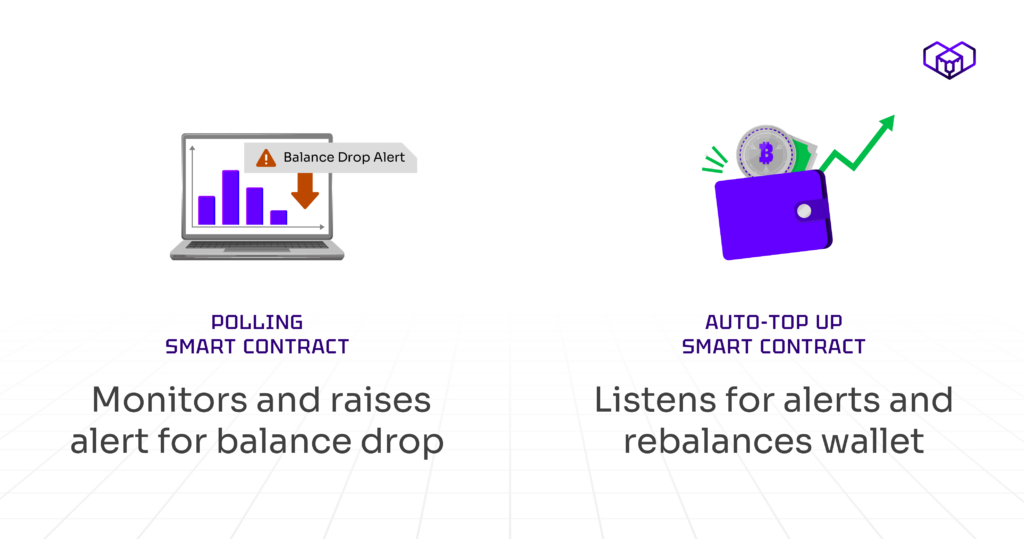
We’ll be building two contracts. The first one is a Polling Smart Contract. It will constantly monitor your wallet balance and raise an alert when it dips below a certain threshold.
It includes:
- LowPolBalance event: Triggers whenever your wallet balance falls below the defined minimum.
- CheckAndWarn function: Checks the balance periodically and emits the LowPolBalance event if required.
The second one is an Auto Top-Up Smart Contract. It works like a crypto wallet rebalance tool. It listens for the balance warning and automatically transfers funds from your treasury wallet when needed.
It includes:
- TopupExecuted event: Triggered every time the wallet is successfully topped up.
- topupInflow function: Handles the actual transfer from your treasury (fund) wallet to the main wallet.
To create a smart contract, deploy the portfolio rebalancing bot crypto via Telegram’s BotFather. Here’s what to do next:
- Go to Polygon and Open Remix IDE.
- Write both smart contracts in separate .sol files.
- Select the appropriate Solidity compiler version and compile the contracts.
- Open MetaMask, switch your network to the Polygon Testnet, and connect it to Remix IDE.
- Deploy both smart contracts through your wallet.
- Once deployed, select the key events from both contracts.
Step 2: Creating the first workflow to auto-rebalance crypto assets
Now it’s time to bring automation into action using Kwala, the first-ever platform for Web3 backend automation. This step is crucial in setting up crypto asset allocation automation.
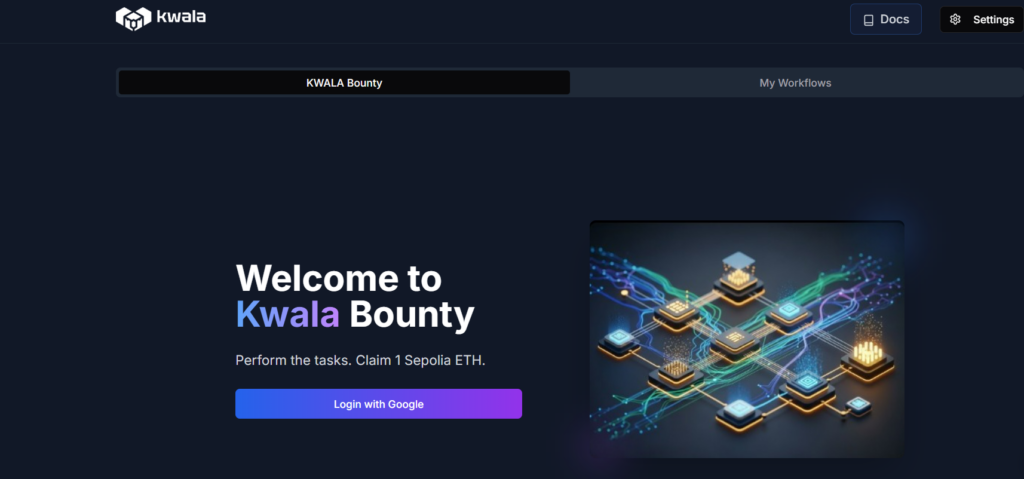
We’ll create the first polling workflow through these steps:
- Log in to Your Kwala Account.
- Go to your Kwala dashboard and click on “New Workflow.”
- Give it a name such as “Polling1.
- Set the execution type to Immediate, so it starts running right after deployment.
- Configure the workflow to repeat every 1 minute.
- Set the duration to run for one full day.
- Choose your local time zone.
- Add the Notification Post URL
- Set the Action Type to Smart Contract Call.
- Add the Polling Smart Contract Address (the one you deployed earlier).
- In the Function Name field, enter the function you want to call, such as check().
- Choose Polygon as the target network
- Under Target Wallet Address, paste your Gas Wallet Address
Now, we’ll have to execute the workflow in the following ways:
- Choose Sequential execution
- Double-check all your workflow details
- Once everything looks good, compile the YAML file.
- Then click on Save and Deploy
Step 3: Creating a second workflow
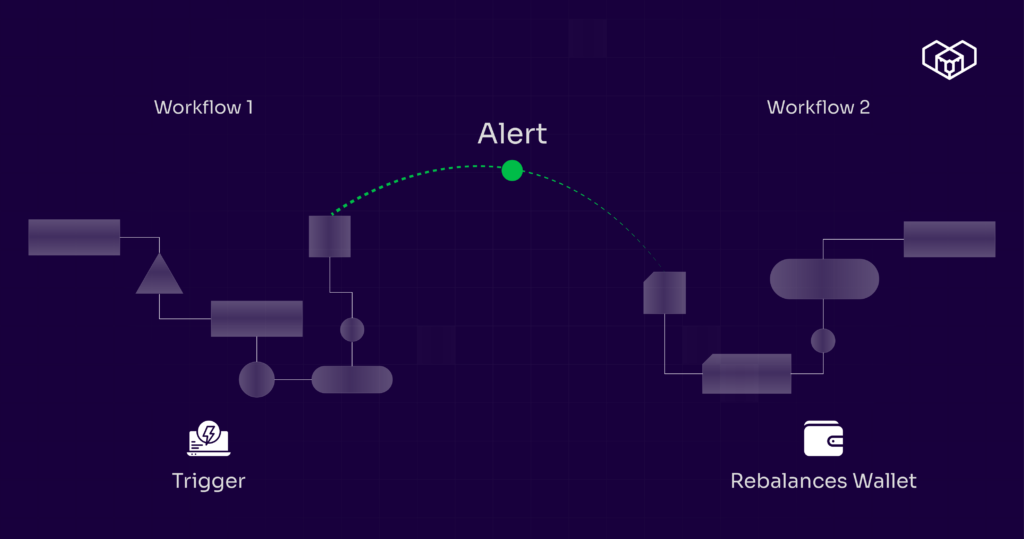
Now we’ll build the second workflow, the Top-Up Manager. It will work as the main component for crypto portfolio rebalancing.
This workflow automatically triggers whenever the LowPolBalance event is emitted from your first smart contract. It then executes the top-up function from your second smart contract to refill your wallet. Here’s how to set it:
- Head back to your Kwala dashboard and click on “New Workflow”.
- Name this one as AutoTopUp1.
- Set the trigger to execute after every event and repeat it each time a new event occurs.
- Add the details of the Polling Smart Contract to both the recurring and triggered smart contract sections.
- In the Trigger Event Name field, enter LowPolBalance
- Set the expiry time to 24 hours so that it runs continuously throughout the day.
- Add your notification post URL.
Step 4: Configuring the second workflow to rebalance the crypto wallet strategy
Now we’ll have to define what happens after the event is triggered. For this, you need to:
- Set the Action Type to Smart Contract Call.
- This time, the action will interact with your Auto Top-Up Smart Contract.
- Name your action, such as “AutoTopupAction.”
- Add the Auto Top-Up Smart Contract Address.
- In the Function Name field, enter topupInflow()
- Choose the same Polygon Network option.
- Under ‘Target Wallet Address’, paste your Gas Wallet Address
- Set the Execution Mode to Sequential.
- Once everything is configured, click Next to proceed.
- Double-check all the details in the YAML file.
- Once done, click on Save and Deploy to activate the workflow.
Make your crypto portfolio smarter, not harder
Automated rebalancing turns a brittle manual process into a predictable, auditable one. When your workflows poll balances, emit alerts, and trigger top-ups automatically, you remove the common failure modes: missed gas, stalled relayers, and surprise outages.
Practically, that means fewer interruptions for users, faster recovery from edge cases, and less time debugging infra.
Implement the polling + top-up pattern described above, validate it on testnets, and use event-driven actions to keep rebalances surgical and deliberate.
If you’d rather not own the monitoring layer yourself, Kwala can help you convert those events into reliable actions and notifications without heavy engineering overhead. Its no-code workflows act as intelligent crypto portfolio management tools.
Your portfolio stays balanced as Kwala manages the routine adjustments quietly in the background.
Frequently asked questions
How does Kwala simplify cryptocurrency auto rebalance software usage?
Kwala provides a no-code workflow builder to automate wallet rebalancing using customisable triggers and actions without coding. This makes it easy for non-technical users to maintain optimal asset allocations across multiple wallets and chains.
Is Kwala suitable for real-time rebalance alerts and automation?
Yes, Kwala is designed for real-time automation. The platform supports event-based triggers to send instant alerts (like to Telegram). It executes rebalance actions as soon as thresholds or conditions are met for timely portfolio management.
Can Kwala’s workflows be customised for advanced rebalance strategies?
Kwala’s YAML and event-driven architecture enables the creation of highly customizable workflows. You can adjust advanced strategies with multi-chain triggers, flexible smart contract logic, and tailored timing parameters.