
 book a call with us
User onboarding in Web3 often looks simple on the surface: connect a wallet, sign a transaction, get access. However, behind the scenes, it usually involves stitching together smart contracts, listeners, backend services, and notification systems. That complexity slows teams down and introduces room for failure at the very first user touchpoint. This is where automating user […]
Read MoreIf you’re handling stablecoin transactions, you already know USDC moves fast. And if you’re not watching closely, you’ll miss something important, which can cost you opportunities, revenue, or even security.
USDC’s growth alone tells you how high the stakes are right now. Over the last year, USDC in circulation rose by more than 78%, faster than any other major global stablecoin. The faster USDC grows, the harder it becomes to keep up with every deposit and contract interaction.
That’s when the panic-cycle begins: refreshing explorers, checking your wallet every five minutes, juggling RPC listeners, setting up dev-heavy scripts, or constantly asking your tech team for quick fixes.
A cleaner, more reliable solution is a USDC balance alert automation.
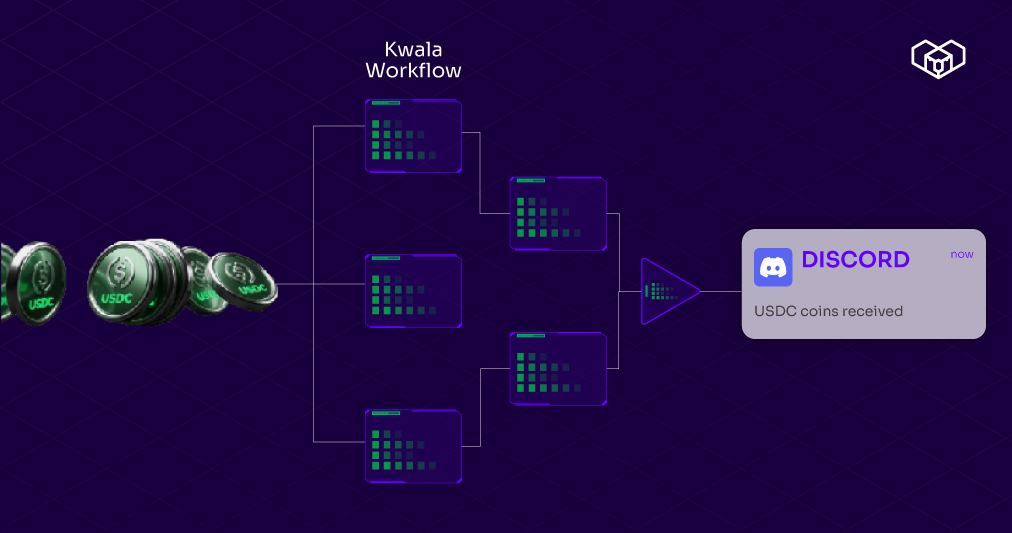
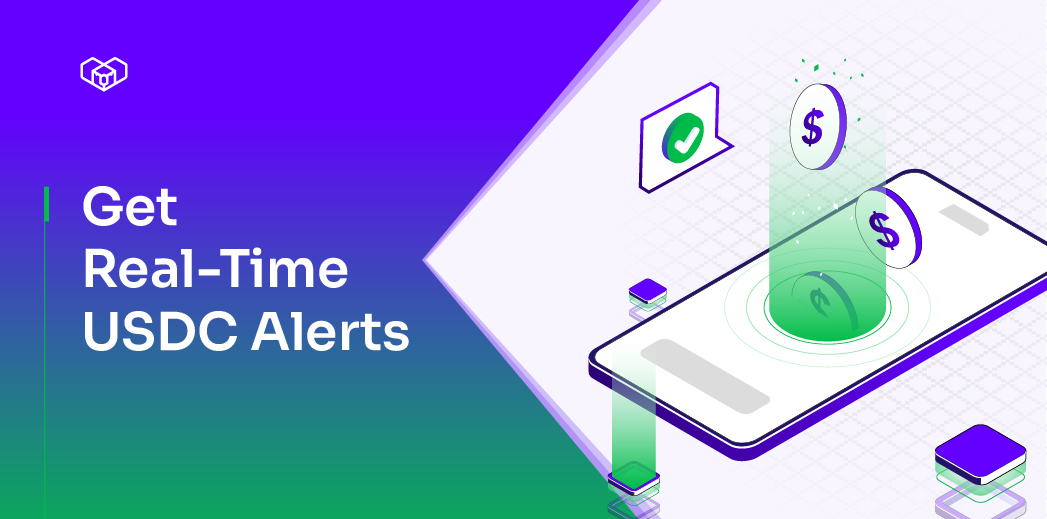
It lets you turn smart contract events into instant alerts straight to your Discord, Telegram, or email. In this blog, we’ll learn how to set up these notifications using Kwala’s no-code platform.
Benefits of automating real-time USDC alerts
When money moves on-chain, you want to know instantly and not five minutes later. Automating USDC wallet balance alerts takes that stress completely off your plate.
With a real-time workflow in place, you get the following benefits:
Instant alerts
You don’t have to refresh block explorers or guess when a deposit hits. With USDC alerts via Telegram bot, you’re notified the moment USDC lands in your contract.
Zero backend headaches
With Kwala’s no-code automation USDC, there’s no need to maintain listeners, manage RPCs, or juggle between servers. Kwala handles all the backend heavy lifting for you- so instead of chasing data, you can focus on actually using it.
Clear visibility into smart-contract activity
Every USDC deposit becomes instantly visible, trackable, and routed exactly where you need it- whether that’s a Discord channel, Telegram group, or your inbox. No missed events, no manual checking, and no guesswork. Just clean, real-time clarity.
Three Things to Set Up Before Starting
You don’t need a massive dev setup or a bunch of complicated tools to automate USDC on-chain alerts. In fact, you just need a few essentials like:
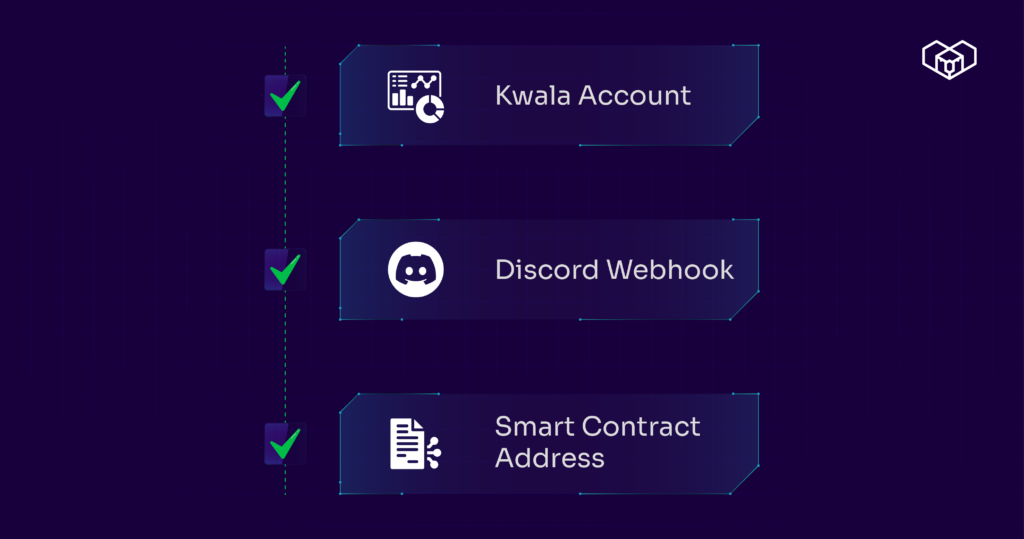
1. A Kwala account: This is like your command centre. You’ll create your workflow here, set your triggers, and decide where your alerts go
2. A Discord server + webhook URL: This is where your notifications will land. You can route alerts to your team’s internal channel, a private server, or a dedicated “USDC activity” channel for clean visibility.
3. The smart contract address you want to monitor: Whether it’s yours or a contract you’re tracking, you just need the address so Kwala knows where to listen.
Steps to create automated USDC price alerts
Once you’ve got the basics ready, it’s time to build the workflow for cryptocurrency USDC notifications.
Here’s what you need to do next:
Step 1: Defining the trigger
First, you’ve to decide what will start the workflow. Use the USDC accepted event from your smart contract as the trigger. It means the workflow will trigger as soon as that event is emitted on-chain.
Step 2: Prepare the smart contract details
Have your contract address and chain ID like Polygon or Ethereum ready. If Kwala can’t auto-fetch the ABI, you can simply paste it in manually at this stage.
Step 3: Creating the USDC token activity alert workflow in Kwala
To set up USDC real-time notifications, visit the Kwala console and click on “Create Workflow.” You can name it like “USDC_deposit_alerts.” Once done, then:
- Set the Execution to Immediately.
- Set the trigger behaviour to “Repeat after every event”, so it runs for each deposit event.
Step 4: Add the trigger configuration
In the trigger block, paste the contract address and chain ID. If needed, manually paste the ABI into the smart contract configuration. Then enter the event name exactly as declared and save the trigger settings.
Step 5: Define the action for Kwala real-time token alerts
Create an action named discord_notifier. Set Action Type to POST (API CALL). For the API endpoint, paste your Discord Webhook URL. In the API payload, craft the message you want the channel to receive.
Step 6: Set execution mode and order
Choose Sequential execution so the trigger runs, then the Discord action executes cleanly after. This keeps the workflow predictable and easy to debug.
Step 7: Review the YAML and compile
Check all the details in the YAML workflow and then hit Save and Deploy.
Stay ahead of every USDC move with Kwala blockchain automation
At the end of the day, monitoring USDC transaction alerts shouldn’t feel like a race you’re constantly losing. When notifications come in real time, you’re able to move faster. Whether it’s treasury management, wallet monitoring, payments, or automations, you can respond immediately rather than reviewing hours later.
And when activity scales, you don’t have to. Your Kwala workflow keeps running without servers or expensive backend maintenance.
If you’re done playing catch-up with on-chain activity, Kwala can keep your alerts running at blockchain speed.
FAQs on Real-time USDC alerts
Do I need a development team to set up USDC alerts with Kwala?
No, Kwala uses a no-code workflow builder where you configure triggers, contract details, and webhooks through a UI. You only have to provide basics like the contract address, chain ID, ABI, and webhook URL to deploy the workflow.
Can these USDC alerts scale as transaction volume grows?
Yes, once the workflow is deployed, it continues listening to your contract events regardless of how many deposits or interactions occur. You don’t need to add servers or rewrite scripts as volume increases.
How precise are the alerts for contract events like “USDC accepted”?
Alerts are tied directly to your contract’s event signature, such as a USDCAccepted event in the ABI. This means the workflow triggers only when that exact event fires on-chain.